Best Smart Home Devices for 2026 | Top Recommendations
Last Updated on 1 week ago by Jawad
Introduction
Smart home devices are changing the way people manage, secure, and enjoy their homes. From smart lights and thermostats to video doorbells, security cameras, smart speakers, and connected plugs, these devices can add convenience, automation, and greater control to everyday routines. Many smart products can be controlled through smartphone apps, voice assistants, or automated schedules, allowing homeowners to manage different parts of their homes from almost anywhere.
With so many options available, choosing the right smart home devices can be challenging. Compatibility, connectivity, ease of installation, privacy, security, features, and price are important factors to consider before buying. Some devices work independently, while others can connect with a larger smart home ecosystem for more advanced automation.
In this guide, we’ll explore some of the best smart home devices for different needs and budgets. Whether you want to improve home security, save energy, automate daily tasks, or simply make your home more convenient, the right smart devices can make everyday living easier and more connected.
How We Choose Products
- We evaluate products using relevant specifications, features, design, materials, functionality, ease of use, intended use and overall value.
- Our recommendations are based on information available from manufacturers, retailers and other publicly available sources, along with our own editorial analysis.
- We aim to present product information accurately and distinguish manufacturer or retailer claims from our independent assessment.
- We do not claim to have personally tested a product unless we have hands-on experience with it. When we have not personally tested a product, our evaluation is based on available product information and careful editorial research.
Top Smart Home Devices
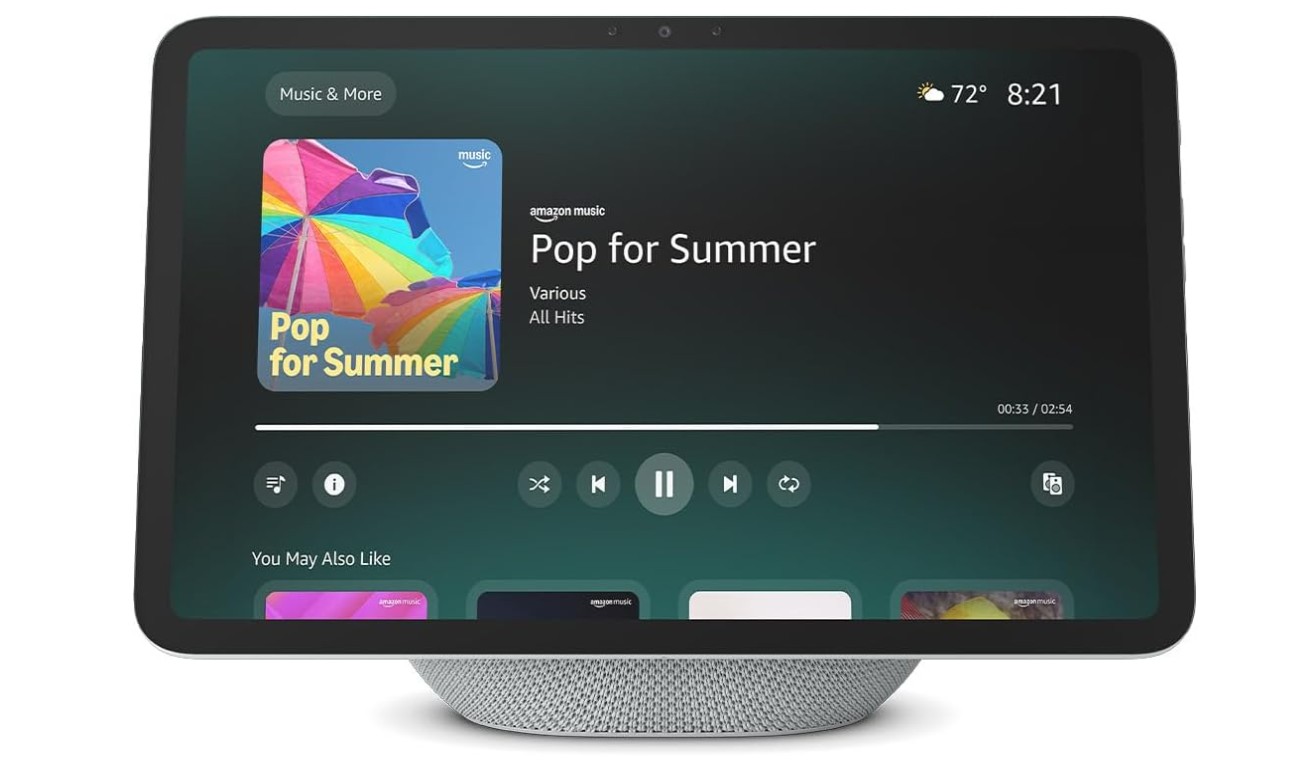
The Amazon Echo Show 11 is a versatile smart display that brings entertainment, convenience, and smart-home control into everyday home use. Its 10.95-inch Full HD touchscreen provides a clear viewing experience for streaming shows, recipes, video calls, and Alexa interactions.
Built-in spatial audio, a 2.8-inch woofer, and two full-range drivers deliver room-filling sound, while the 13MP camera supports video calling with auto framing. Wi-Fi 6E provides fast connectivity, and the built-in smart-home hub supports Zigbee, Matter, and Thread.
Specifications | |
|---|---|
| Brand | Amazon |
| Model | Echo Show 11 |
| Display | 11-inch Full HD Touchscreen |
| Resolution | 1920 × 1200 |
| Camera | 13MP with Auto Framing |
| Audio | 2.8-inch Woofer + 2 Full-Range Drivers |
| Connectivity | Wi-Fi 6E & Bluetooth |
| Smart Home Hub | Zigbee, Matter & Thread |
| Processor | AZ3 Pro |
| Assistant | Alexa+ |
| Color | Glacier White |
| Power | Corded |
| Best For | Smart Home Control, Entertainment, Recipes & Video Calls |
Verdict
We recommend the Echo Show 11 for households seeking a stylish, capable smart display that combines entertainment, communication, and convenient smart-home control in one device.
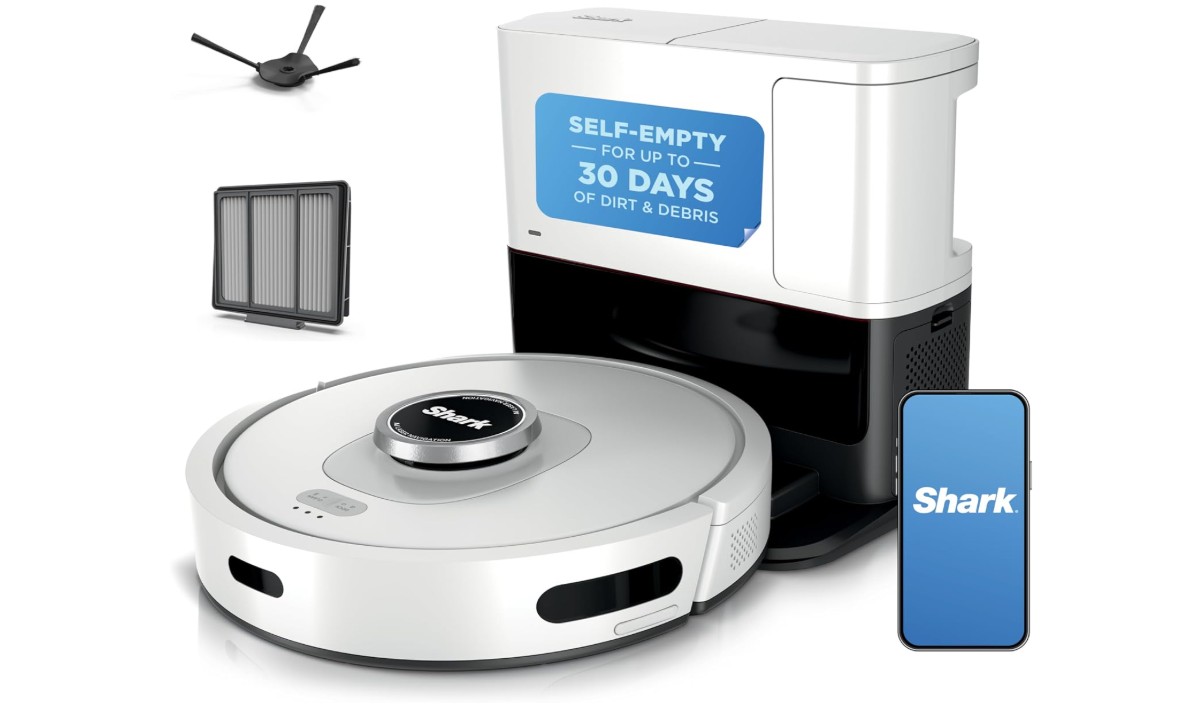
The Shark AV2511AE AI Robot Vacuum is a convenient cleaning solution for busy homes, combining smart navigation with powerful everyday cleaning. Its LiDAR-based navigation and home-mapping technology help the robot efficiently move around rooms while avoiding obstacles.
The self-emptying XL base can hold collected dirt for up to 60 days, reducing the need for frequent maintenance. Designed to clean different floor surfaces, it can help pick up dust, debris, and pet hair throughout the home.
Specifications | |
|---|---|
| Brand | Shark |
| Model | AV2511AE |
| Type | Robot Vacuum |
| Navigation | LiDAR |
| Cleaning | Matrix Clean |
| Mapping | Smart Home Mapping |
| Self-Emptying | XL Self-Empty Base |
| Dirt Capacity | Up to 60 days |
| Battery Runtime | Up to 120 minutes |
| Filtration | Cartridge Filter |
| Features | Pet Hair Pickup & Obstacle Avoidance |
| Controls | SharkClean App, Alexa & Google Assistant |
| Color | Cool Gray |
| Best For | Carpets, Hard Floors & Homes with Pets |
Verdict
We recommend this robot vacuum for homeowners who want automated cleaning, intelligent navigation, and low-maintenance operation that makes daily floor care easier.
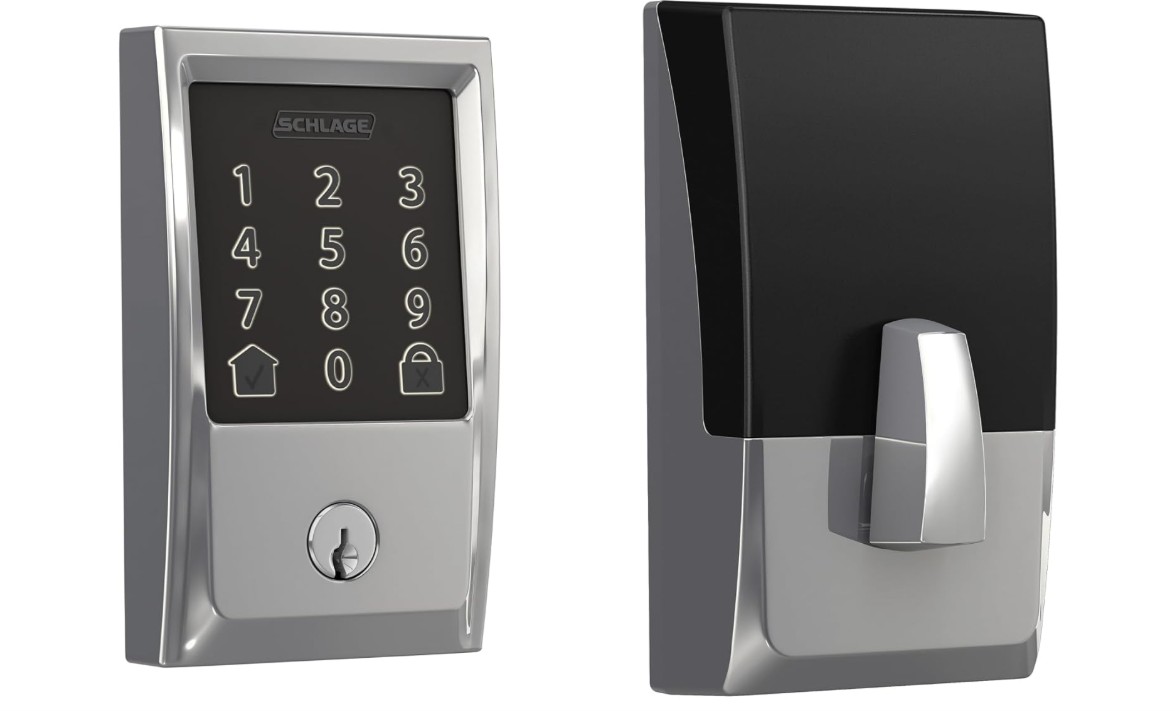
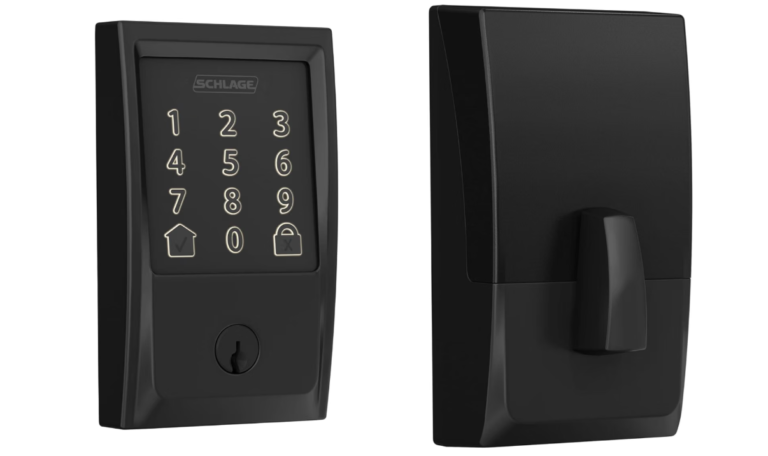
The Schlage Encode Smart WiFi Deadbolt is a convenient upgrade for modern home security and keyless entry. Its built-in WiFi allows homeowners to lock or unlock the door remotely and manage access through the Schlage Home app without needing an additional hub. You can create up to 100 access codes, view lock history, and receive customized notifications.
The built-in alarm helps detect potential forced-entry attempts, while auto-lock adds everyday convenience. It also works with Amazon Alexa and Google Assistant for voice control.
Specifications | |
|---|---|
| Brand | Schlage |
| Model | Encode BE489 |
| Type | Smart WiFi Deadbolt |
| Trim | Century |
| Connectivity | Built-in 2.4GHz WiFi |
| Access Codes | Up to 100 |
| Control | Schlage Home App |
| Voice Control | Amazon Alexa & Google Assistant |
| Battery | 4 AA Batteries |
| Battery Life | Up to 6 months |
| Backset | Adjustable 2-3/8″ or 2-3/4″ |
| Door Thickness | 1-3/8″ to 1-3/4″ |
| Features | Remote Lock/Unlock, Auto-Lock & Built-In Alarm |
| Backup | Physical Key |
| Best For | Smart Home Security & Keyless Entry |
Verdict
We recommend this smart deadbolt for homeowners who want reliable security, remote access, customizable entry codes, and convenient keyless control.
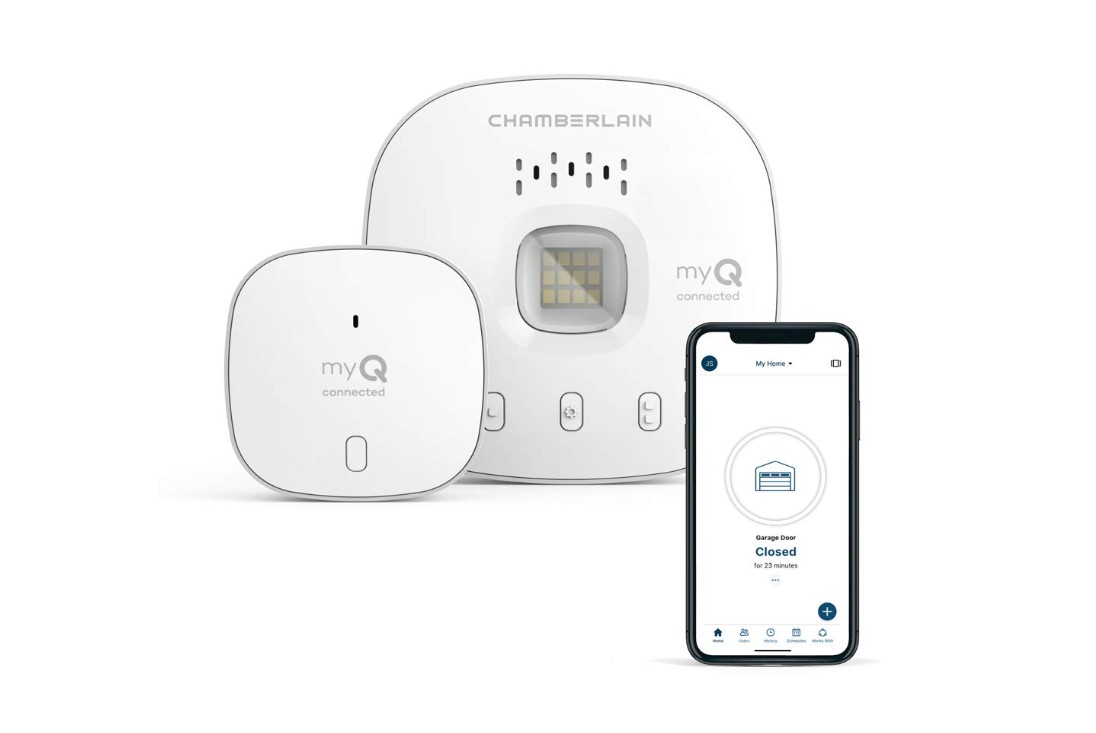
The Chamberlain myQ Smart Garage Control is a convenient upgrade for modern home access and garage security. It lets you monitor, open, and close your garage door remotely using the myQ smartphone app, while real-time alerts notify you when the door opens, closes, or is left open. You can also create daily schedules and securely share garage access with trusted users.
Its compact design and Bluetooth-assisted setup make installation easier, and it works with most major garage door openers manufactured after 1993 with standard safety sensors.
Specifications | |
|---|---|
| Brand | CHAMBERLAIN |
| Model | MYQ-G0401 |
| Type | Smart Garage Door Controller |
| Connectivity | 2.4 GHz Wi-Fi |
| Control | myQ Smartphone App |
| Garage Doors | Up to 2 with an additional sensor |
| Compatibility | Most major garage door openers made after 1993 |
| Notifications | Real-Time Open/Close Alerts |
| Scheduling | Yes |
| Voice/Smart Home | myQ-Compatible Devices |
| Sensor | Magnetic/Door Position Sensor |
| Security | WPA/WPA2/WPA3 Wi-Fi |
| Use | Sectional Garage Doors |
| Best For | Remote Garage Monitoring & Control |
Verdict
We recommend this smart garage controller for homeowners who want convenient smartphone control, helpful alerts, remote access, and greater peace of mind.
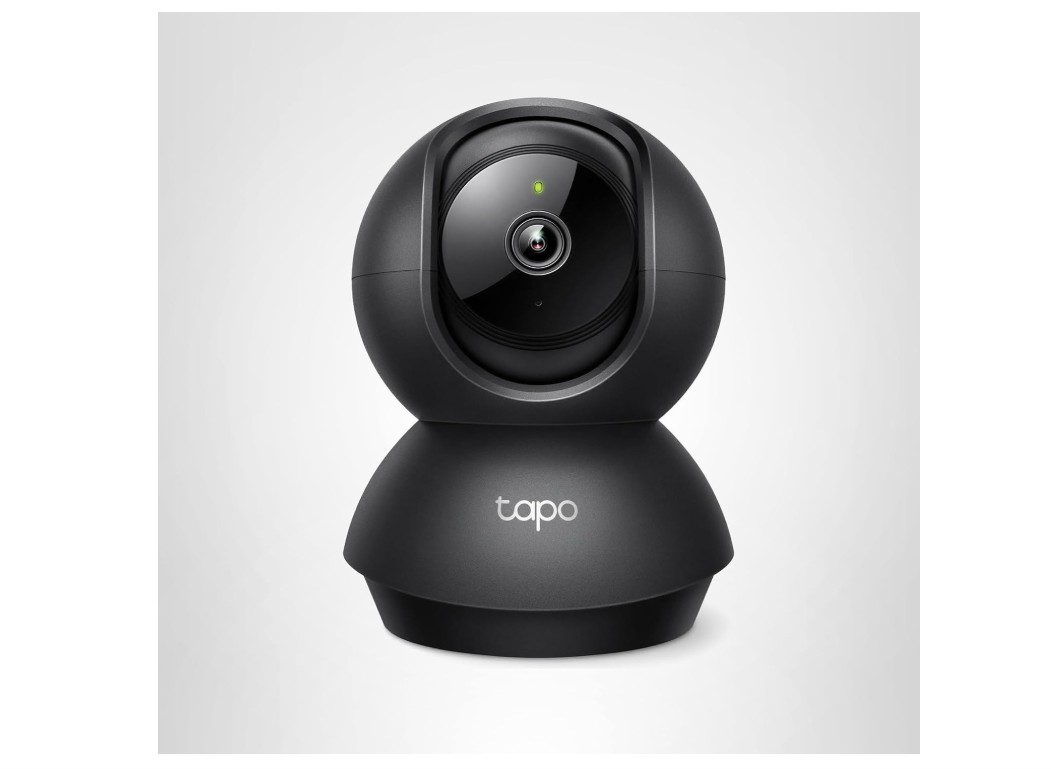
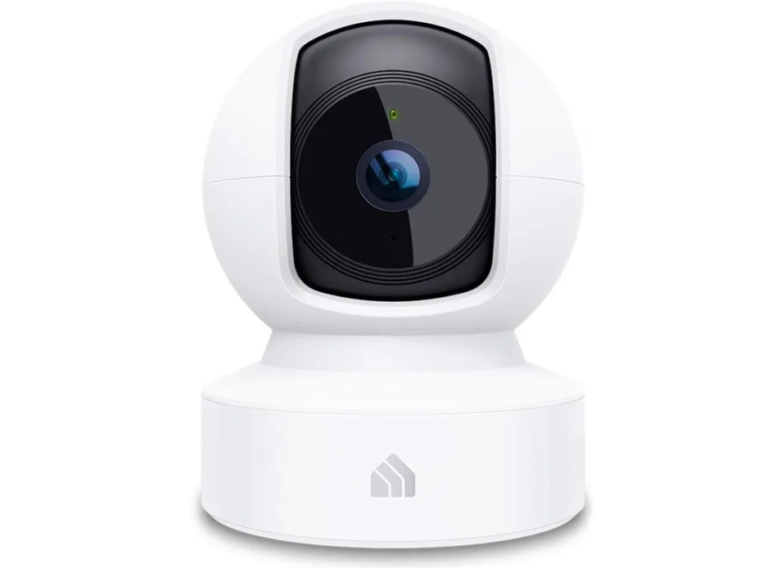
The TP-Link Tapo C201 is a practical indoor security camera for monitoring your home, family, pets, or important rooms. It delivers 1080p Full HD video with pan and tilt coverage, providing up to 360° horizontal and 114° vertical viewing. Advanced night vision works up to 40 feet, while motion and person detection can send alerts when activity is detected.
Two-way audio allows convenient communication through the built-in microphone and speaker. The camera supports microSD storage up to 512GB and works with Amazon Alexa and Google Home.
Specifications | |
|---|---|
| Brand | TP-Link Tapo |
| Model | Tapo C201 |
| Type | Indoor Pan/Tilt Security Camera |
| Video Resolution | 1080p Full HD |
| Pan/Tilt | 360° horizontal / 114° vertical |
| Night Vision | Up to 40 ft |
| Detection | Motion, Person & Baby Crying |
| Audio | Two-Way Audio with Noise Cancellation |
| Storage | microSD up to 512GB |
| Connectivity | 2.4GHz Wi-Fi |
| App | Tapo App |
| Features | Activity Zones, Privacy Mode & Siren |
| Cloud Storage | Tapo Care subscription |
| Best For | Indoor Home Security & Monitoring |
Verdict
We recommend the Tapo C201 for homeowners seeking affordable, flexible, and convenient indoor monitoring with useful smart features.
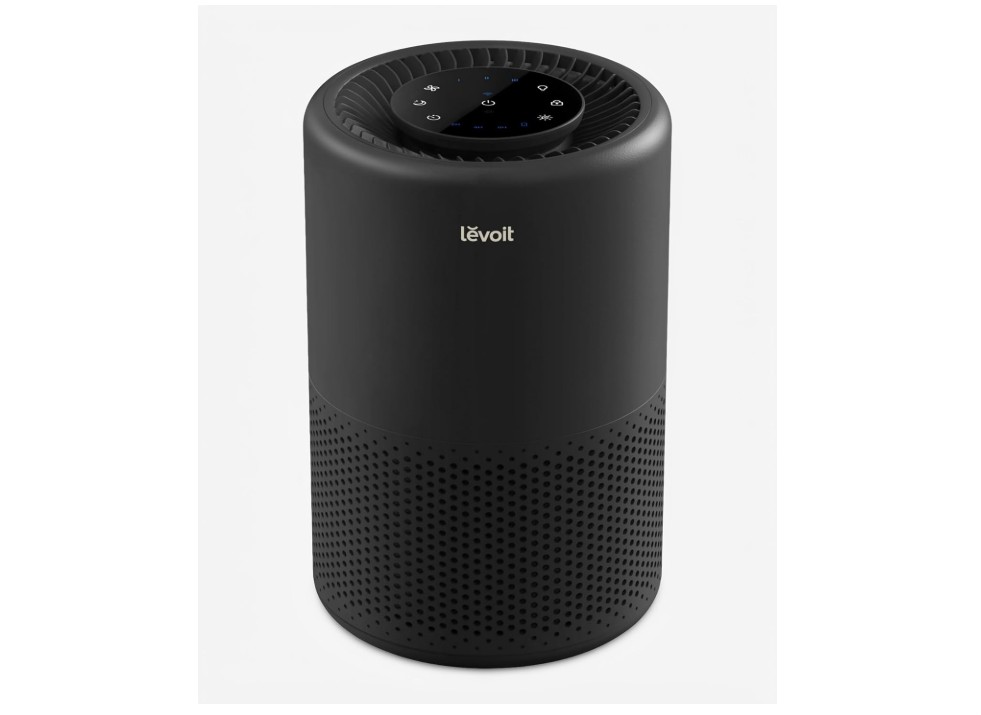
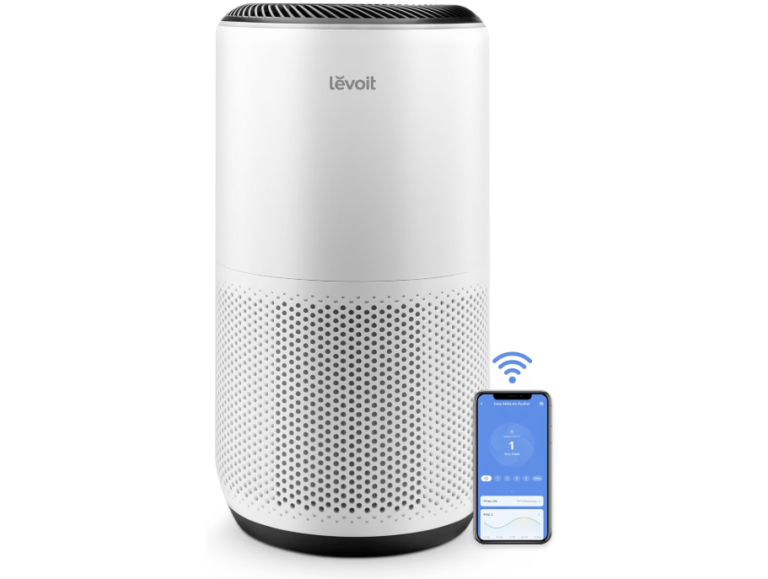
Levoit Core 200S Smart Air Purifier is a compact and convenient option for improving air quality in bedrooms, dorm rooms, and smaller living spaces. Its three-stage filtration system helps capture airborne dust, pollen, smoke particles, and pet dander. With a CADR of 90 CFM, it is designed for rooms up to 140 square feet at 4.8 air changes per hour.
Smart features allow you to control settings through the VeSync app or compatible voice assistants. Sleep mode, a timer, and a filter replacement indicator add everyday convenience.
Specifications | |
|---|---|
| Brand | Levoit |
| Model | Core 200S / Core 200S-P |
| Type | Smart Wi-Fi Air Purifier |
| Filtration | 3-Stage Filtration System |
| CADR | 90 CFM |
| Room Coverage | 140 sq. ft. at 4.8 air changes per hour; up to 672 sq. ft. at 1 air change per hour |
| Rated Power | 37W |
| Noise Level | 27–48 dB |
| Smart Control | VeSync App, Amazon Alexa and Google Assistant |
| Features | Sleep Mode, Timer, Night Light and Filter Replacement Indicator |
| Dimensions | 8.1 × 8.1 × 12.6 inches |
| Weight | 6.6 lb (3 kg) |
| Best For | Bedrooms, dorm rooms, small living spaces, and reducing airborne dust, pollen, smoke particles, and pet dander |
Verdict
We recommend it for users seeking a compact smart air purifier for smaller rooms.
Smart Home Devices Buying Guide
Choosing the right smart home devices can make your home more convenient, secure, energy-efficient, and easier to manage. Before buying, consider these important factors.
1. Check Compatibility
Make sure the device works with your existing smart home ecosystem, such as Amazon Alexa, Google Home, or Apple Home. Compatibility is especially important when connecting multiple devices.
2. Consider Connectivity
Most smart devices use Wi-Fi, Bluetooth, Zigbee, or Thread. Check which connection the device requires and whether your home network provides reliable coverage.
3. Think About Your Needs
Identify what you want to improve first. Smart cameras and locks can enhance security, smart lights can improve convenience, and smart plugs can automate ordinary appliances.
4. Check App and Voice Control
A reliable smartphone app makes it easy to control settings, create schedules, and receive notifications. Voice assistant support can provide hands-free control.
5. Review Smart Home Features
Look for useful features such as automation, scheduling, motion detection, remote access, energy monitoring, and customizable routines. Avoid paying extra for features you are unlikely to use.
6. Consider Privacy and Security
Smart devices can collect sensitive information, so check the manufacturer’s privacy practices and available security features. Use strong passwords and keep device firmware updated.
7. Check Power Requirements
Some devices run continuously from a wall outlet, while others use batteries or rechargeable power. Battery-powered products should provide enough runtime for your intended use.
8. Consider Installation
Choose devices that match your technical comfort level. Some smart plugs and lights are simple to install, while smart locks, cameras, and thermostats may require more setup.
9. Check Storage and Subscription Costs
Security cameras and other connected devices may offer cloud storage through a subscription. Check whether local storage is available and understand any recurring costs before buying.
10. Consider Reliability
Look for devices from established brands with regular software updates and dependable customer support. Read user feedback to identify common reliability or connectivity issues.
11. Think About Expansion
If you plan to add more smart devices later, choose a system that supports multiple products and common standards such as Matter, where appropriate.
12. Compare Price and Value
Compare features, compatibility, security, reliability, warranty, and ongoing costs rather than choosing solely based on the initial purchase price.
Bottom Line
The best smart home devices should provide useful automation, reliable connectivity, strong security, and easy control. Start with the devices that solve your biggest needs, then build your smart home gradually around a compatible ecosystem.
Frequently Asked Questions
Many smart home devices use Wi-Fi, but some also use Bluetooth, Zigbee, or Thread. Check the product specifications to confirm the required connectivity.
Smart devices can be secure when properly configured, but they should be protected with strong passwords, updated software, and secure Wi-Fi. Check the manufacturer’s security practices before purchasing.
Many devices can work together when they support the same ecosystem or compatible standards. Checking compatibility before buying can prevent connection problems.
Some devices work without subscriptions, while others may charge for advanced features such as cloud video storage, premium automation, or additional monitoring services.
Conclusion
Smart home devices can make everyday living more convenient, secure, and efficient by bringing automation and remote control into your home. From smart speakers and security cameras to smart locks, plugs, air purifiers, and robot vacuums, there are options for a wide range of needs and budgets.
When choosing smart devices, consider compatibility, connectivity, privacy, security, features, ease of installation, and ongoing subscription costs. It is also important to choose products that can work together within your preferred smart home ecosystem.
You don’t need to automate your entire home at once. Start with devices that solve your most important needs and gradually expand your setup. With the right products, you can create a smart home that is convenient, reliable, and tailored to your lifestyle.